
After starting a sourcing event, you can deactivate listed suppliers. You can add additional suppliers, deactivate or reactivate existing ones in the event. The same options for the subsequent management of suppliers are also available, if you start further quotation rounds after a deadline has ended (status “closed”). The procedure is identical in both cases and will be explained to you on the following pages.
To be able to make changes to an ongoing or closed event, click on the "Edit" button in the relevant event and within any tab:
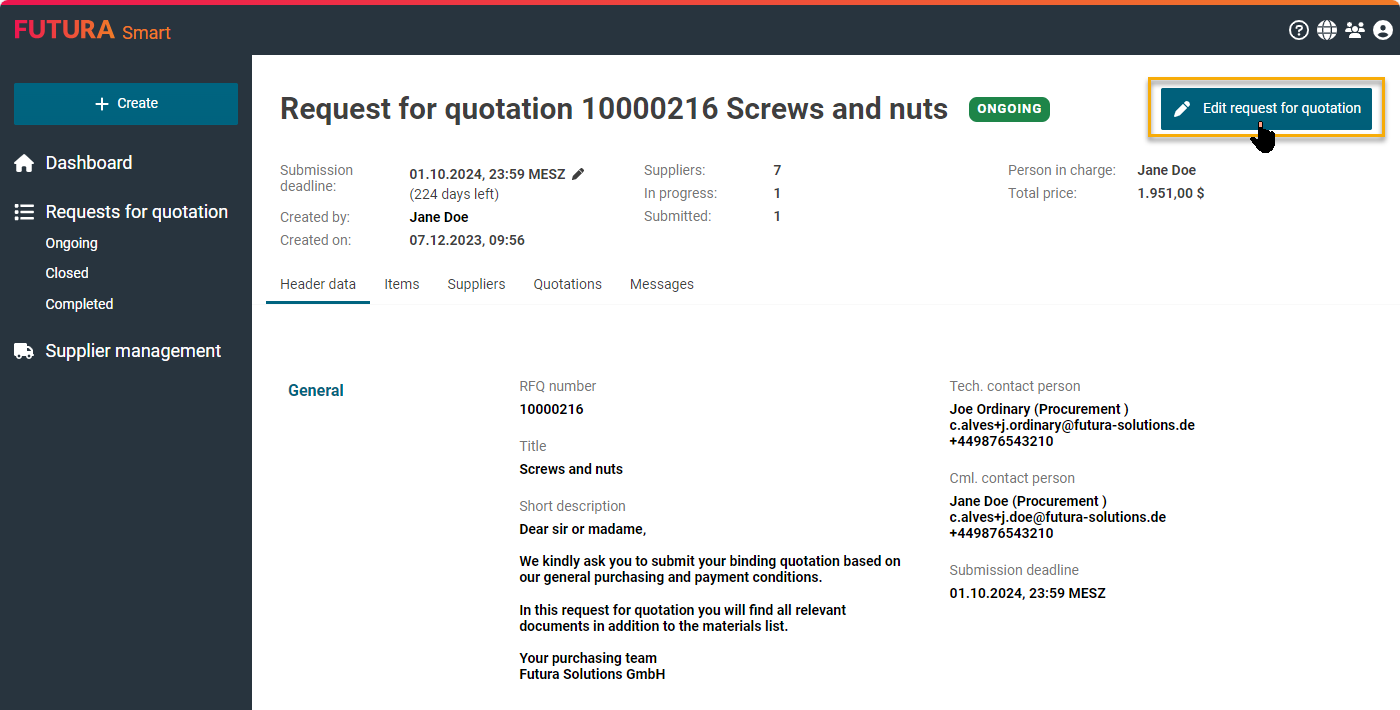
The event is then placed in processing mode (draft). Now you can make your desired changes or additions to the supplier list. To do this, go to the "Suppliers" tab.
The possible changes are explained in detail on the following subpages: