
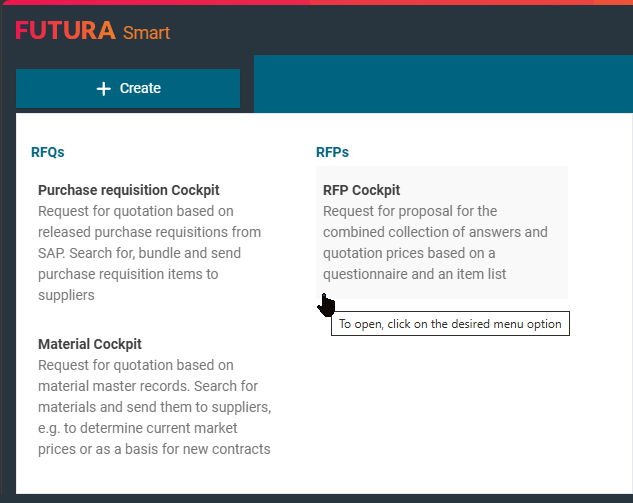
On the dashboard, you can start a new process by clicking on the "Create" button on the upper left side and then on "RFP Cockpit". You will then be directed directly to the header data of the process, from which you can start maintaining your information for the request.
If you only use the RFP Cockpit in FUTURA Smart, the selection menu for the available cockpits will not be displayed to you and by clicking on “+Create”, you will be redirected to the cover sheet of the RFP Cockpit.
You will then be on the cover sheet of the RFP. Find out the further required steps to start the RFP on the following pages.