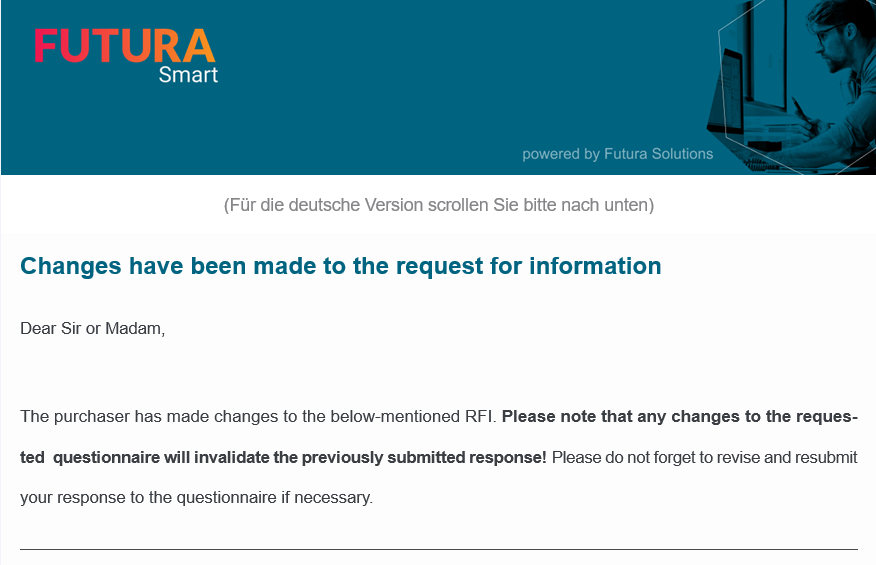
As soon as you start an RFI, it will be set to the status "Ongoing" and blocked for changes. To be able to make changes to an ongoing RFI, click on the button Edit request in the correspondent request within any tab:
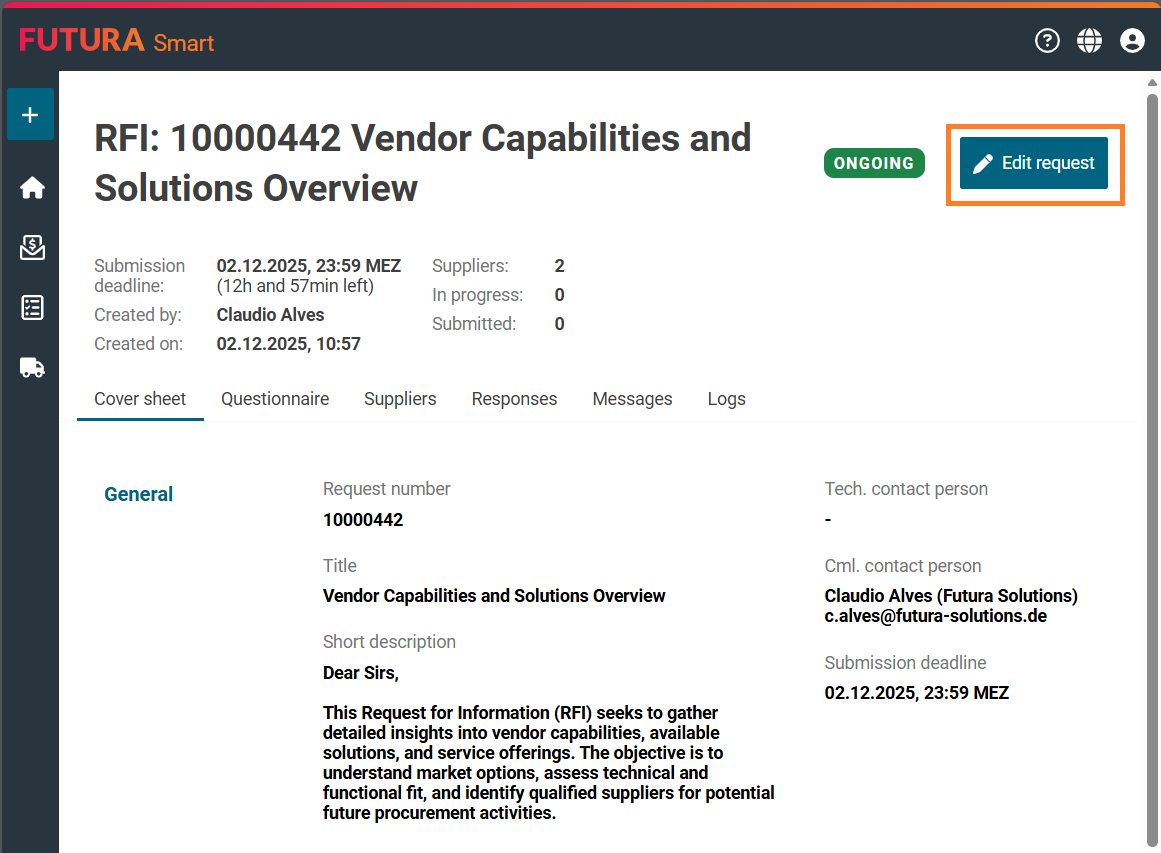
The request is then placed in processing mode (draft). Now you can make your desired changes or additions.
Switch to the “Questionnaire” tab to make adjustments to the questions. All fields will be displayed in an editable form.
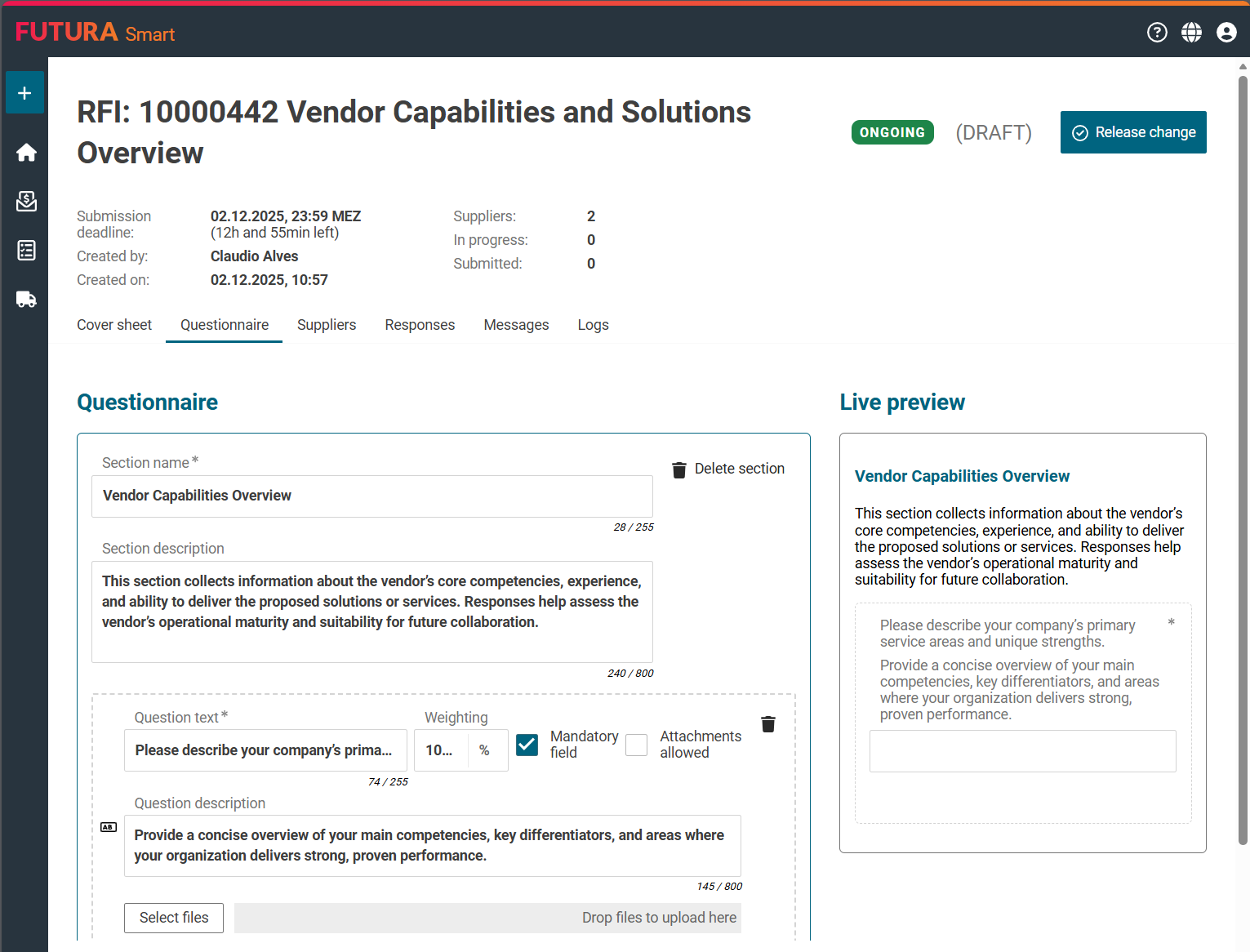
After you have made your desired changes, click on the button "Release change". Only with this action the changes become active and are available in the system. The suppliers are informed accordingly by e-mail, in case that you have made information-relevant changes. If you have only added new suppliers, the existing suppliers will not be informed and only the newly added suppliers will be invited.
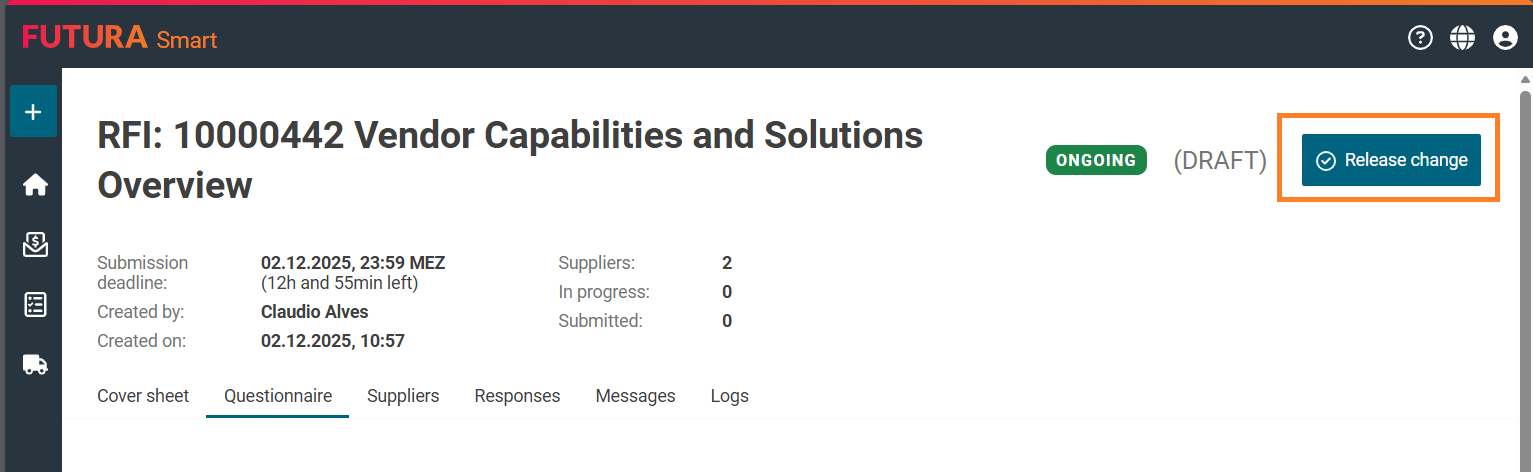
Example of an email to the supplier: